 Fluxx Tech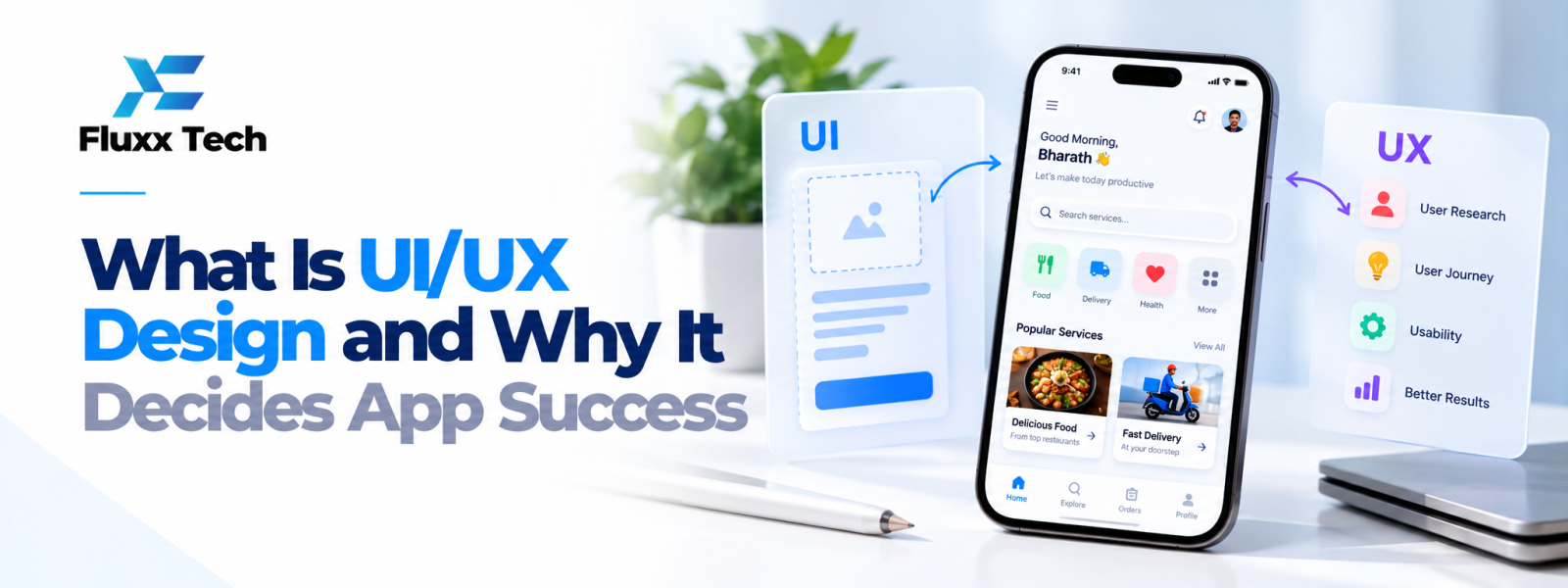
Understanding what is UI UX design helps a business see why an app needs more than attractive screens. UI and UX work together to make a product clear, usable and aligned with what people need to accomplish. Good design helps users understand where to go, what to do next and how to recover when something goes wrong.
What does UI design mean?
User Interface (UI) design focuses on the visual and interactive parts of a digital product. It includes layout, typography, colours, buttons, forms, icons, spacing and visual feedback. A good interface makes important actions easy to recognise and keeps patterns consistent across screens.
UI is not only decoration. A button should look interactive, text should be readable and information should be arranged in a useful order. Visual choices should support the task rather than distract from it.
What does UX design mean?
User Experience (UX) design considers the overall experience a person has while using a product. It includes understanding user needs, organising information, planning journeys, reducing friction and checking whether people can complete tasks successfully. UX work may include research, user flows, wireframes, prototypes and usability testing.
A product can look polished but still have poor UX if users cannot find a feature, understand a form or complete a purchase. UX helps teams investigate those problems before and after development.
UI vs UX: How do they work together?
UI focuses more directly on the interface users interact with, while UX considers the broader journey and how well the product solves a user’s problem. The work overlaps: decisions about labels, navigation and feedback influence both appearance and usability.
For example, an appointment-booking app needs a clear calendar interface, but the wider experience must also help users select a service, choose a time, confirm details and understand what happens next. Both UI and UX contribute to the result.
Why design for apps matters
People use apps in different environments, on different screen sizes and with different levels of familiarity. A well-designed app makes core tasks understandable, gives useful feedback and avoids unnecessary steps. This can support adoption and reduce confusion, although design alone cannot guarantee commercial success.
Design should reflect the audience and context. An app used by field staff may need large touch targets and quick data entry, while a customer app may need clear product information, trust signals and a simple checkout.
A practical design process
Start by defining the business goal and the users’ main tasks. Research can include interviews, support questions, analytics or observation of existing workflows. Create user flows to map the steps, then build wireframes to test structure before polishing the visual design.
Next, create a prototype that lets stakeholders and users try important journeys. Gather feedback, fix confusing areas and document design decisions. After development, test the actual product on relevant devices and continue improving it using real usage evidence.
Common UI/UX mistakes
Common problems include inconsistent buttons, unclear labels, too many steps, small touch targets, confusing error messages and forms that request unnecessary information. Teams may also rely on assumptions instead of testing with users.
A useful review focuses on real tasks: Can a new user understand the first screen? Can someone recover from an error? Is the next step obvious? Are important actions accessible? Fixing these issues is usually more valuable than adding visual effects that do not help the task.
How to evaluate design quality
Set goals before design begins. Depending on the product, useful measures may include task completion, time to complete a task, error rate, support requests, abandonment or user feedback. Combine quantitative data with observation and interviews so the team understands why users struggle.
Avoid relying only on personal taste or a single score. Design quality depends on the audience, context, accessibility, business requirements and the tasks the product must support.
When to involve a design team
Involve UI/UX design before development becomes expensive to change. A short discovery and prototyping phase can reveal missing requirements and confusing workflows. Design should continue alongside development so technical constraints and user needs can be addressed together.
Conclusion
Strong UI/UX work begins with user needs and clear business goals. Focus on the tasks people need to complete, test important flows, and refine the interface using evidence. A practical design process helps teams make better decisions before and after development.
Frequently Asked Questions
Q: Is UI/UX design only for mobile apps?
A: No. UI/UX applies to websites, dashboards, portals, internal tools and many other digital products.
Q: Can good UI fix poor UX?
A: Not by itself. Attractive screens cannot compensate for a confusing journey or a product that does not meet user needs.
Q: Should user testing happen before launch?
A: Yes. Testing prototypes and working features can uncover issues before they affect more users.
Q: Does UI/UX design guarantee app success?
A: No. It supports usability and adoption, but success also depends on product value, reliability, marketing and execution.