 Fluxx Tech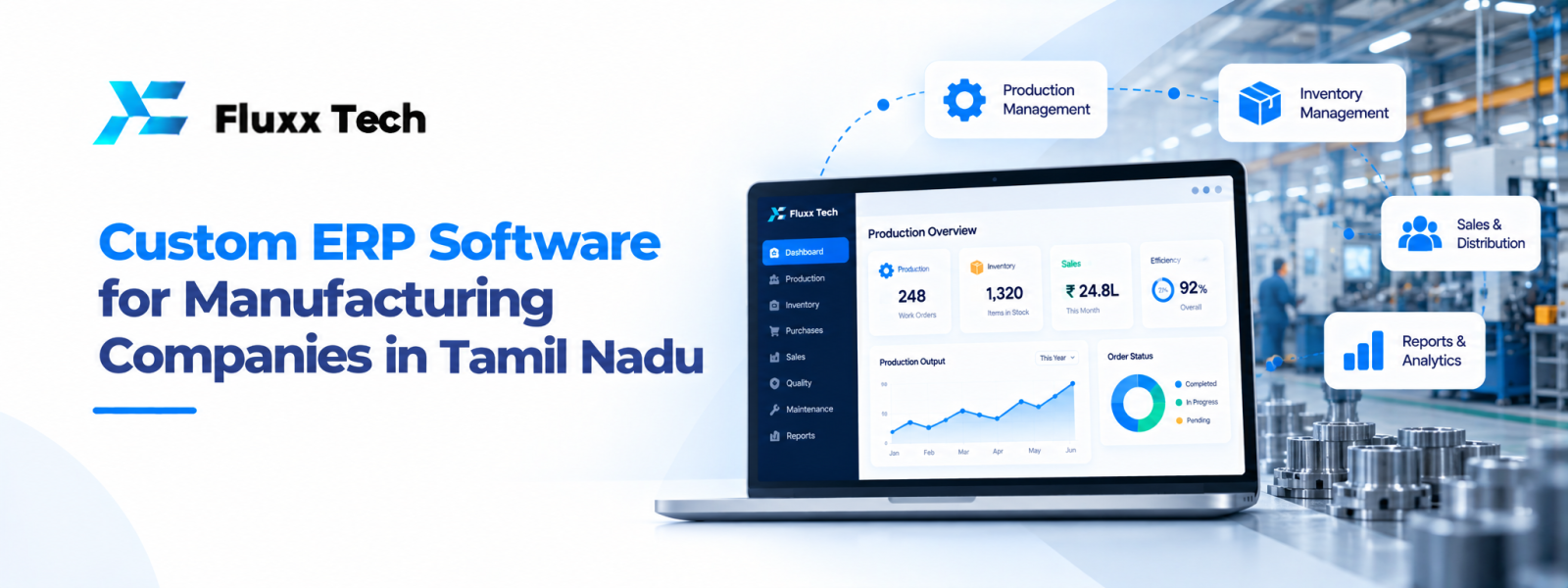
Manufacturing businesses need coordination between purchasing, stores, production, quality checks, sales and dispatch. When each team maintains separate records, it can become difficult to understand material availability, order progress and actual costs. ERP for manufacturing can help connect these activities through shared information, provided the system is planned around the company’s real operations.
What is manufacturing ERP?
Manufacturing ERP is software that supports and connects operational activities involved in producing goods. Depending on the system, it may cover sales orders, bills of materials, purchasing, inventory, production planning, work orders, quality checks, dispatch and management reports. Not every product includes every module, so companies should evaluate the actual functions available.
For manufacturers in Tamil Nadu—including businesses in and around Coimbatore—the right scope depends on the products made, production method, number of locations, supplier network and reporting needs. A small job-work unit and a multi-line factory may require very different systems.
Common manufacturing challenges ERP can address
Inventory uncertainty: Teams may not know whether raw materials, components or finished goods are available. A well-managed inventory module can record receipts, issues, transfers and stock adjustments.
Production visibility: Work orders and planned quantities can help supervisors see what should be produced and what remains incomplete.
Purchasing delays: Reorder rules and material requirements can help teams identify items that may need replenishment, although forecasts depend on accurate data.
Order coordination: Linking customer orders with production and dispatch records can make delivery status easier to check.
Reporting gaps: Shared records can reduce the need to combine multiple spreadsheets for basic operational reports.
Features to evaluate
Inventory and stores: Look for item codes, units of measure, batch or serial tracking where relevant, warehouse locations and stock movement history.
Production planning: Check whether the software supports your production method, work orders, routing, material requirements and work-in-progress tracking.
Bill of materials: Confirm that product structures, component quantities and revisions can be recorded correctly.
Purchasing: Evaluate purchase requests, purchase orders, supplier records, goods receipt and pending order visibility.
Quality management: If quality checks are part of the process, define inspection stages, pass/fail criteria, non-conformance records and corrective actions.
Sales and dispatch: Review order status, packing, dispatch records and links to invoicing or delivery processes.
Reports and permissions: Users should see relevant information without unnecessary access to sensitive records. Reports should be based on clearly defined data and calculations.
Ready-made ERP or custom ERP?
A packaged ERP may be suitable when your processes align with its standard modules and you can configure it without excessive workarounds. It may also provide established workflows and a faster start.
Custom ERP or a tailored extension may be worth considering when your production process is unusual, local workflows require specific approvals, or important systems must exchange data in a way standard integrations cannot support. Customisation can increase complexity, so separate essential requirements from preferences and avoid building features that provide little operational value.
A practical middle path is to select a suitable core product and customise only the areas where the business has a genuine requirement.
How to plan an ERP implementation
1. Map the current flow from customer order to purchasing, production, quality and dispatch.
2. Identify data owners and define item codes, units, supplier records and other master data.
3. Document required reports, approvals and user roles.
4. Decide which modules are essential for the first phase.
5. Clean and test the data before migration.
6. Run sample transactions and compare system results with the current process.
7. Train employees by role and provide a clear method to report issues.
8. Launch in phases where practical and review adoption after go-live.
Why data quality and training matter
ERP does not automatically make inaccurate records correct. If stock quantities, units, bills of materials or production updates are wrong, reports may also be wrong. Assign responsibility for updating records and set a process for reviewing discrepancies.
Training should use real tasks: receiving materials, issuing stock, creating a work order, recording output and checking dispatch status. Explain why each step matters and avoid making the process more complicated than necessary. Managers should review whether the system is being used consistently, not only whether it has been installed.
Cost, timeline and ongoing support
ERP cost depends on users, modules, customisation, integrations, data migration, training, hosting and support. A reliable estimate needs a defined scope; a single generic price may not reflect a factory’s actual requirements. Ask vendors to separate one-time implementation charges from recurring licence, hosting and support fees.
Plan for upgrades, backups, access reviews and future process changes. Agree on support response expectations, documentation, ownership and responsibilities before signing a contract.
Conclusion
Custom ERP Software for Manufacturing Companies in Tamil Nadu is ultimately about choosing a practical response to a real business need. Define the problem, document the workflow, compare realistic options and plan for testing, training and maintenance. A phased approach with clear priorities helps teams make informed decisions and avoid unnecessary complexity.
Frequently Asked Questions
Q: Is ERP suitable for a small manufacturing unit?
A: It can be, if the selected scope matches the unit’s processes and budget. Begin with the operational problems that matter most.
Q: Can ERP track raw materials and finished goods?
A: Many manufacturing ERP systems support both, but tracking methods and features vary by product. Verify required batch, serial or warehouse functions.
Q: How long does manufacturing ERP implementation take?
A: The timeline depends on scope, data quality, integrations, customisation and employee readiness. Request a phased plan rather than relying on a generic estimate.
Q: Should a manufacturer customise every ERP screen?
A: No. Customise only where there is a clear business need. Excessive changes can raise cost and make upgrades harder.